1. Introduction
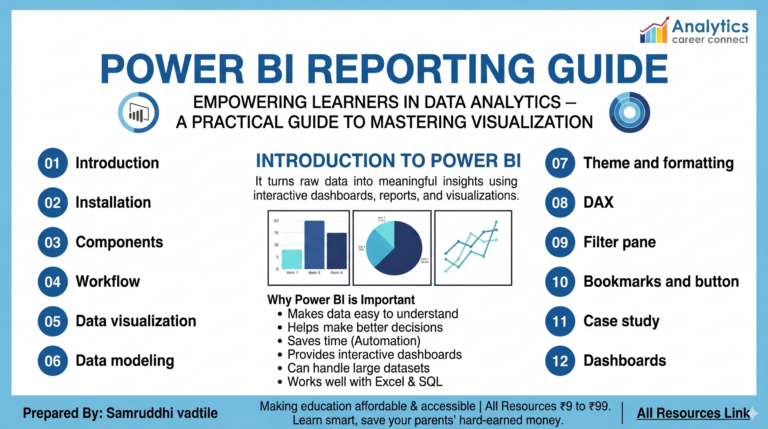
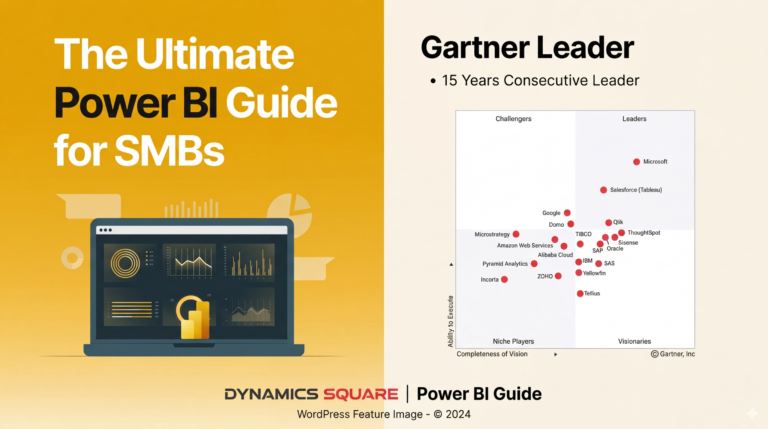
Power BI has become one of the most powerful tools in the world of data analytics and business intelligence. Companies rely heavily on Power BI to transform raw data into clear dashboards and meaningful insights that support strategic decision-making.
However, many beginners struggle with knowing where to start and how to learn Power BI step by step. The platform includes many tools such as Power Query, data modeling, DAX formulas, and data visualization, which can feel overwhelming at first.
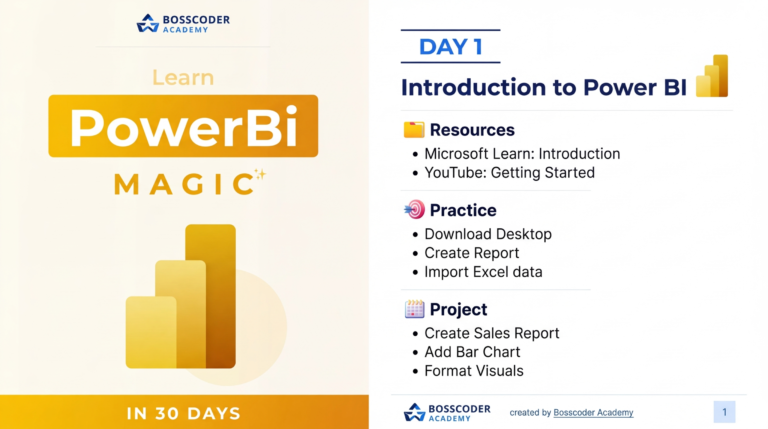
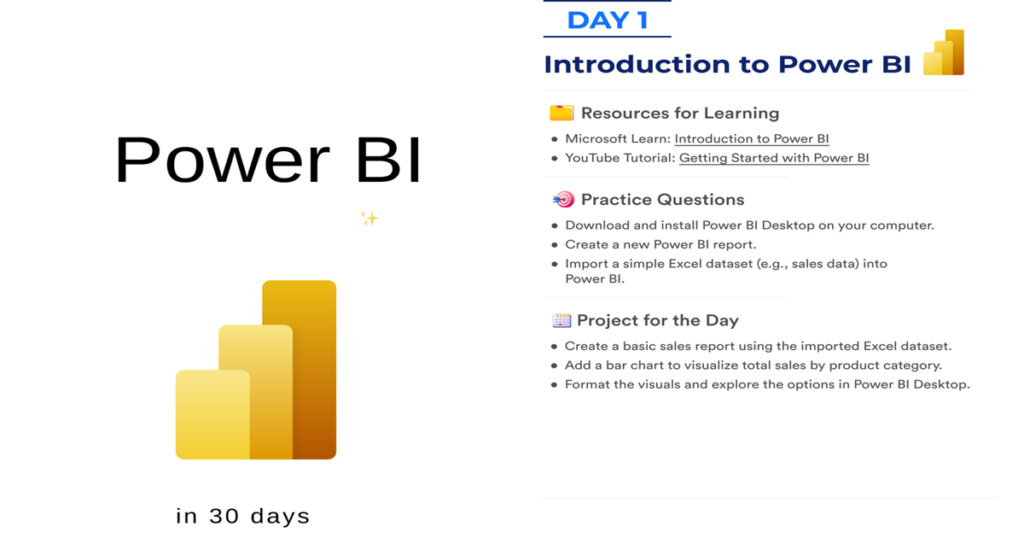
That is why we are sharing the Master Power BI in 30 Days – Practical Learning Roadmap PDF, a structured learning guide designed to help beginners and aspiring data analysts build Power BI skills in just 30 days.
This roadmap provides a clear daily learning plan, helping you gradually move from the basics of Power BI to advanced data analysis and dashboard creation.
If you want to become a Business Intelligence Analyst, Data Analyst, or Power BI Developer, this roadmap will give you a strong and organized starting point.
2. Overview about the Document
The Master Power BI in 30 Days PDF is a practical learning roadmap that breaks down Power BI concepts into a structured 30-day learning plan.
Instead of randomly watching tutorials or reading scattered documentation, this guide helps you follow a clear learning path. Each stage focuses on a specific skill required for mastering Power BI.
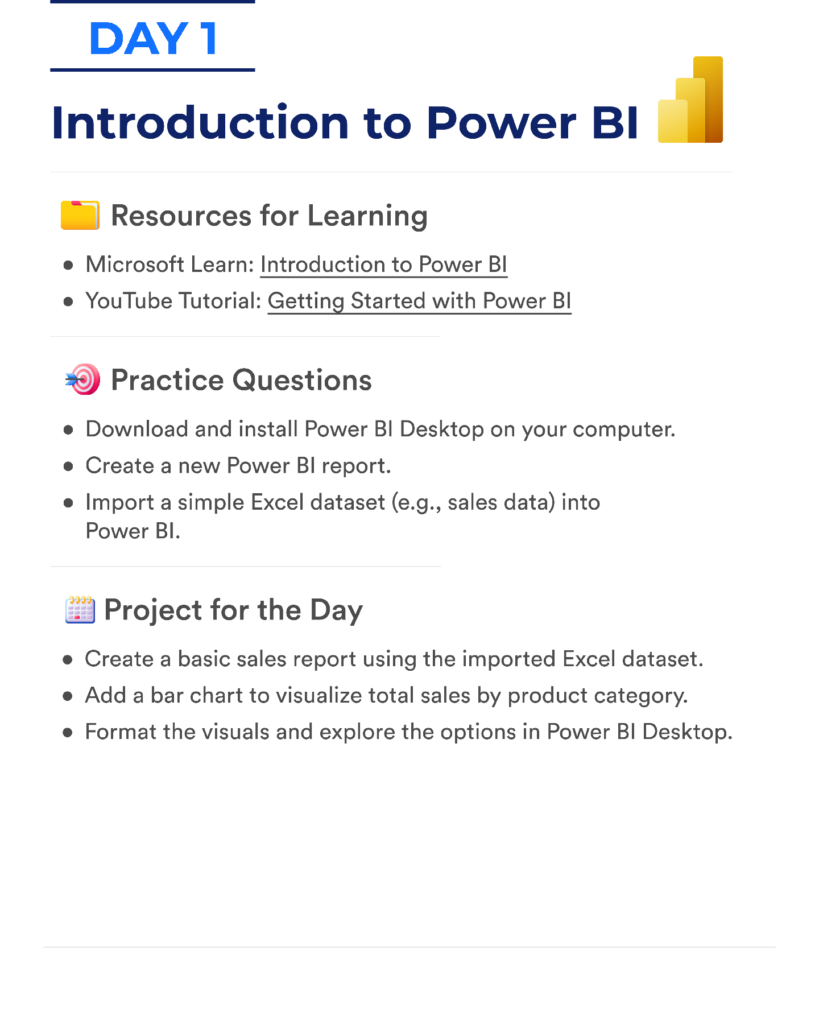
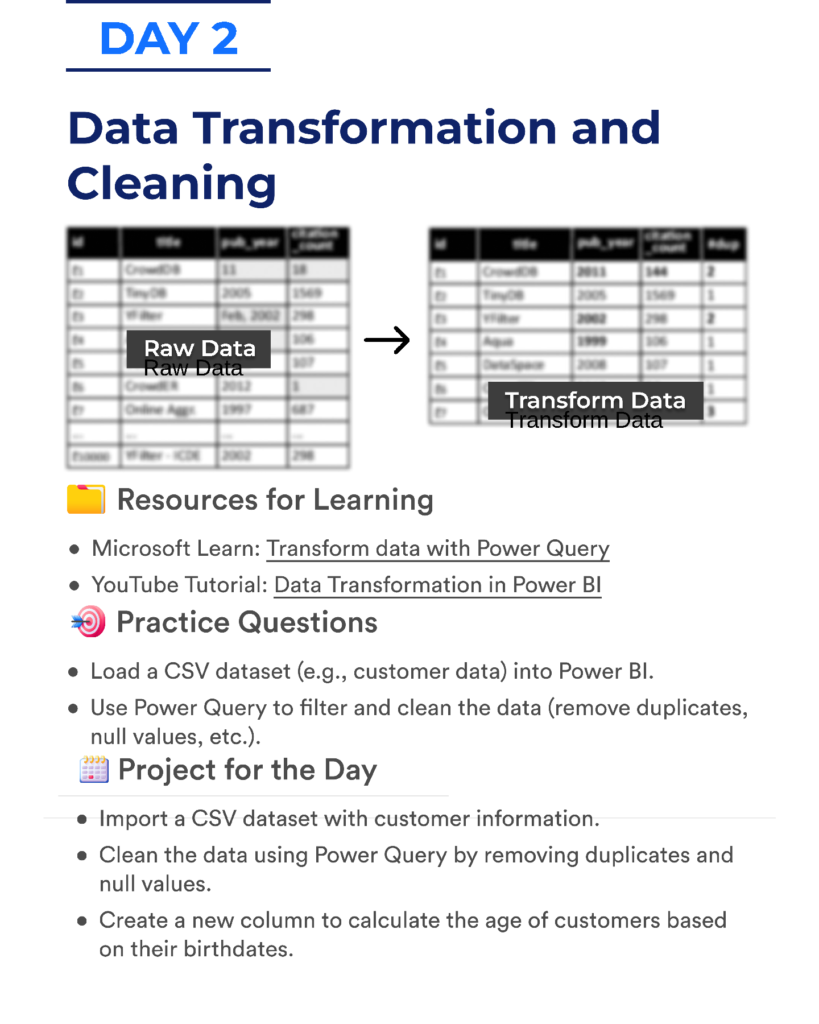
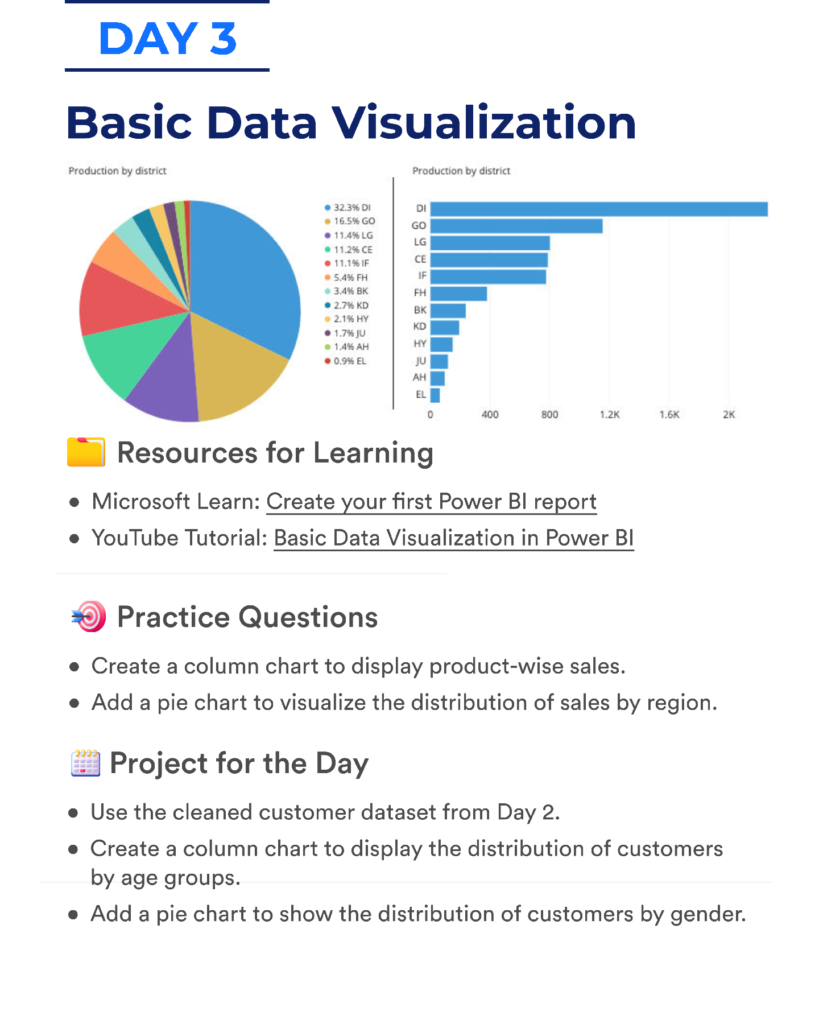
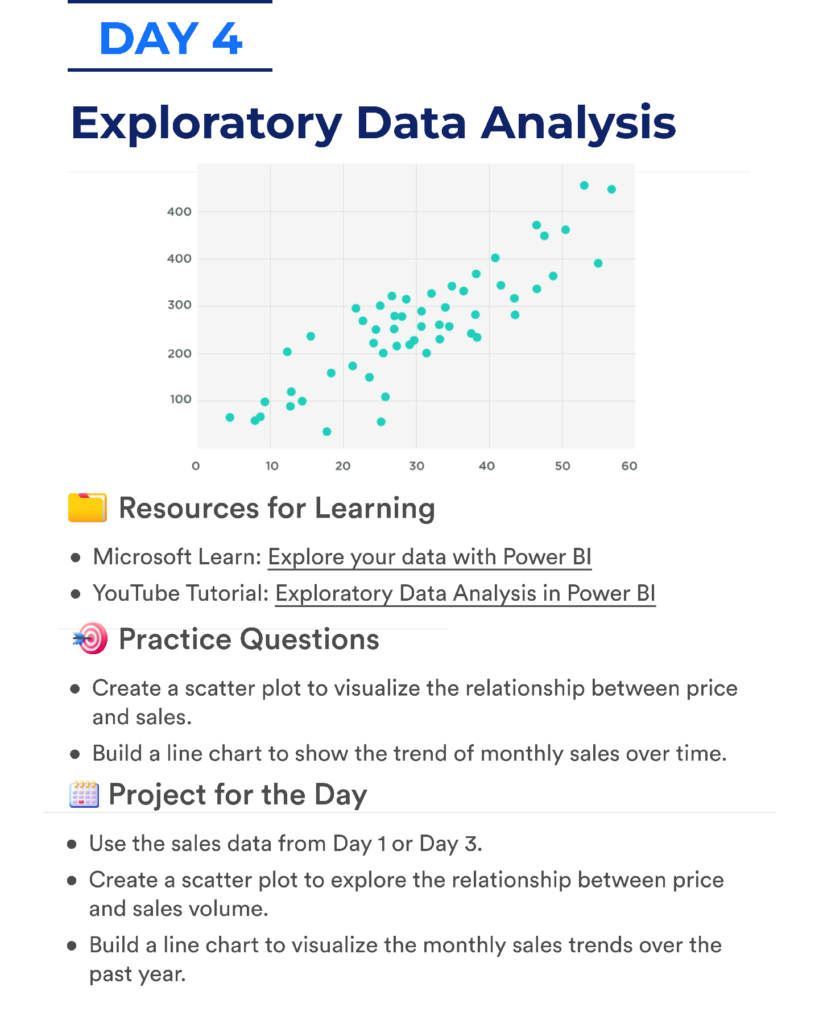
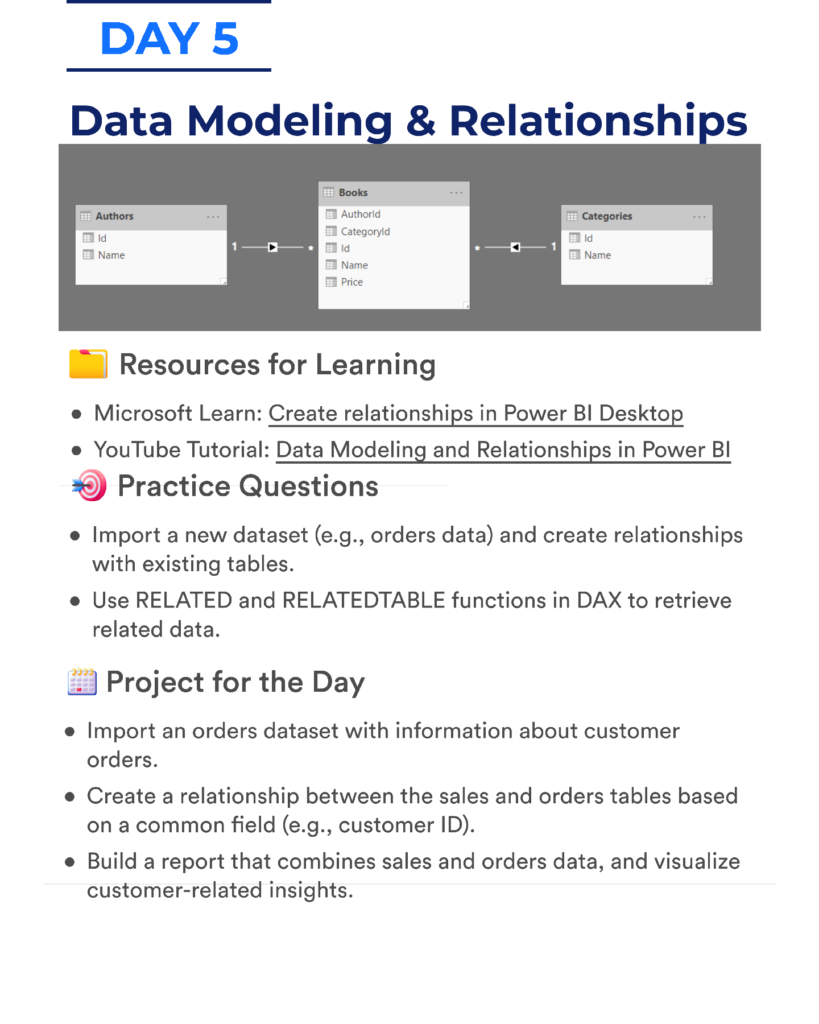
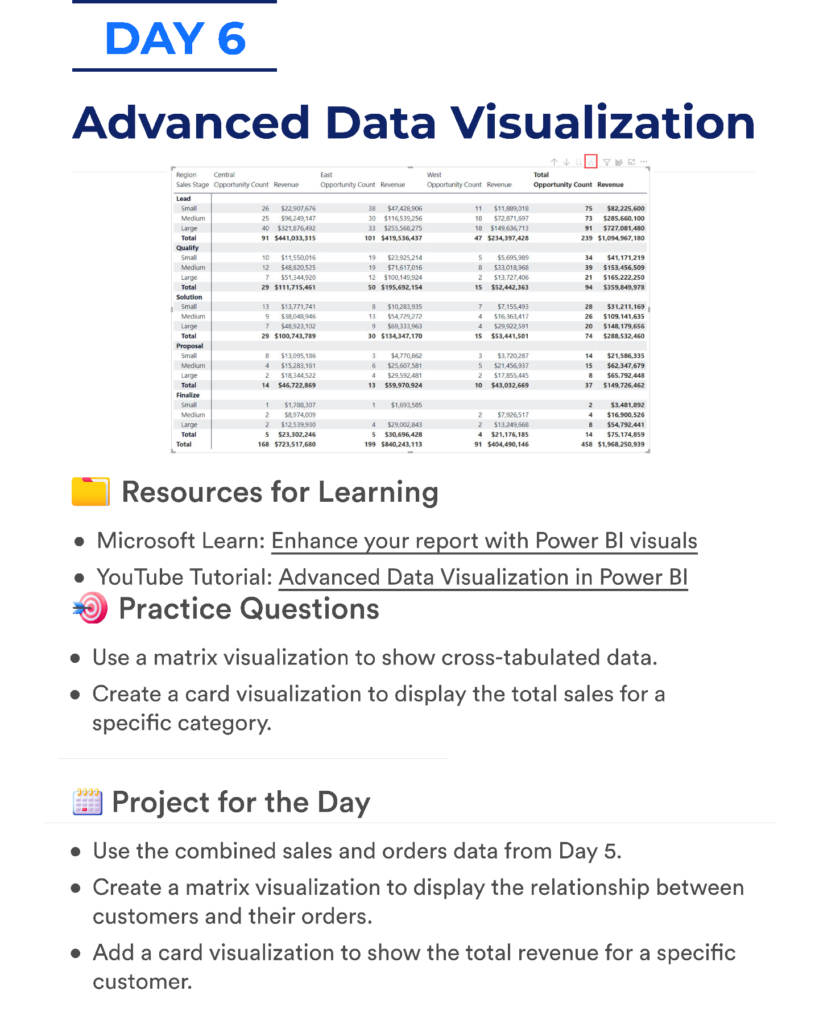
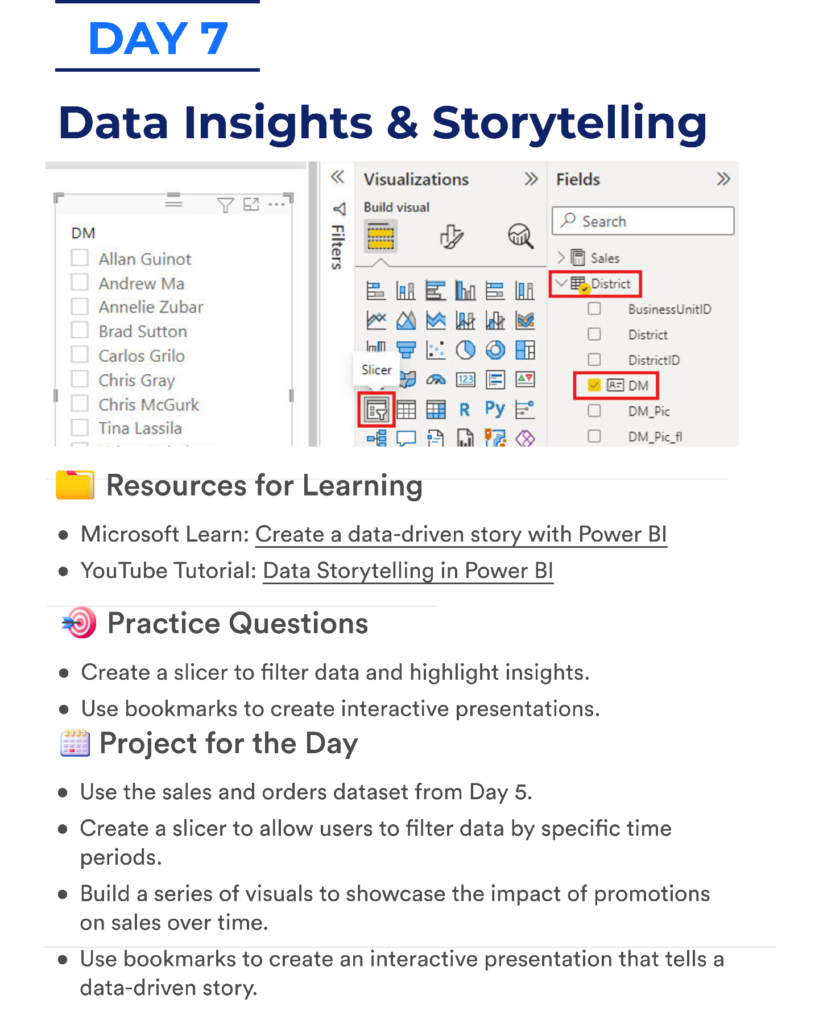
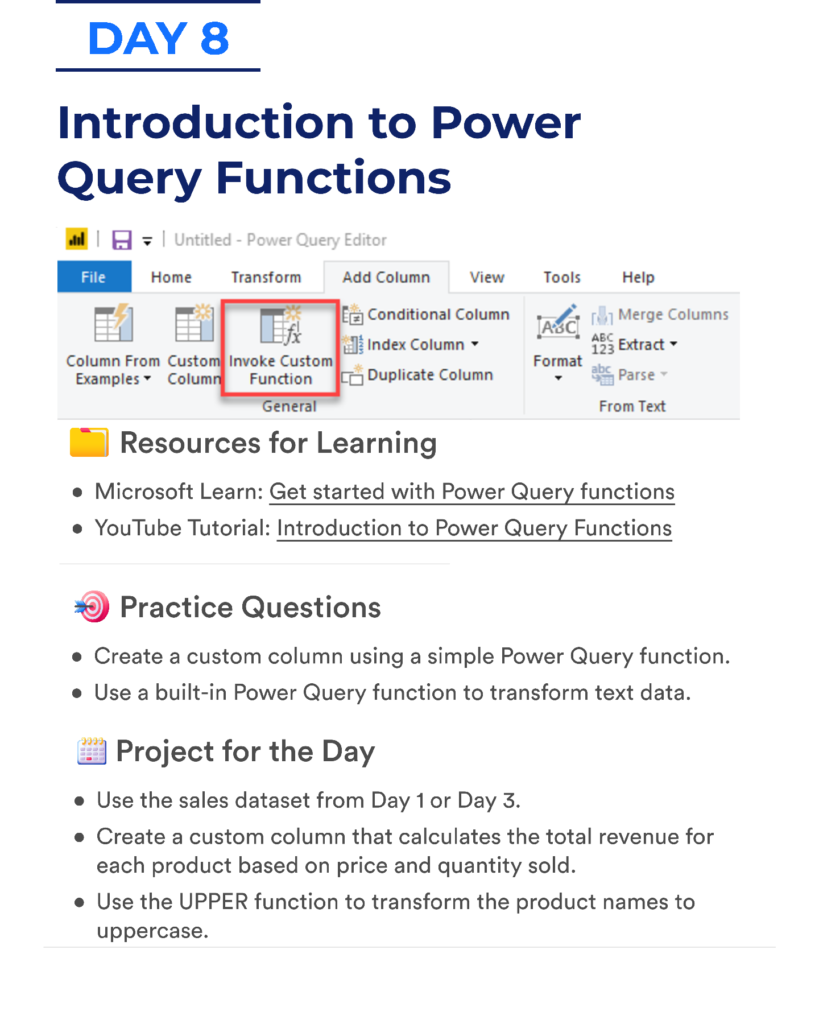
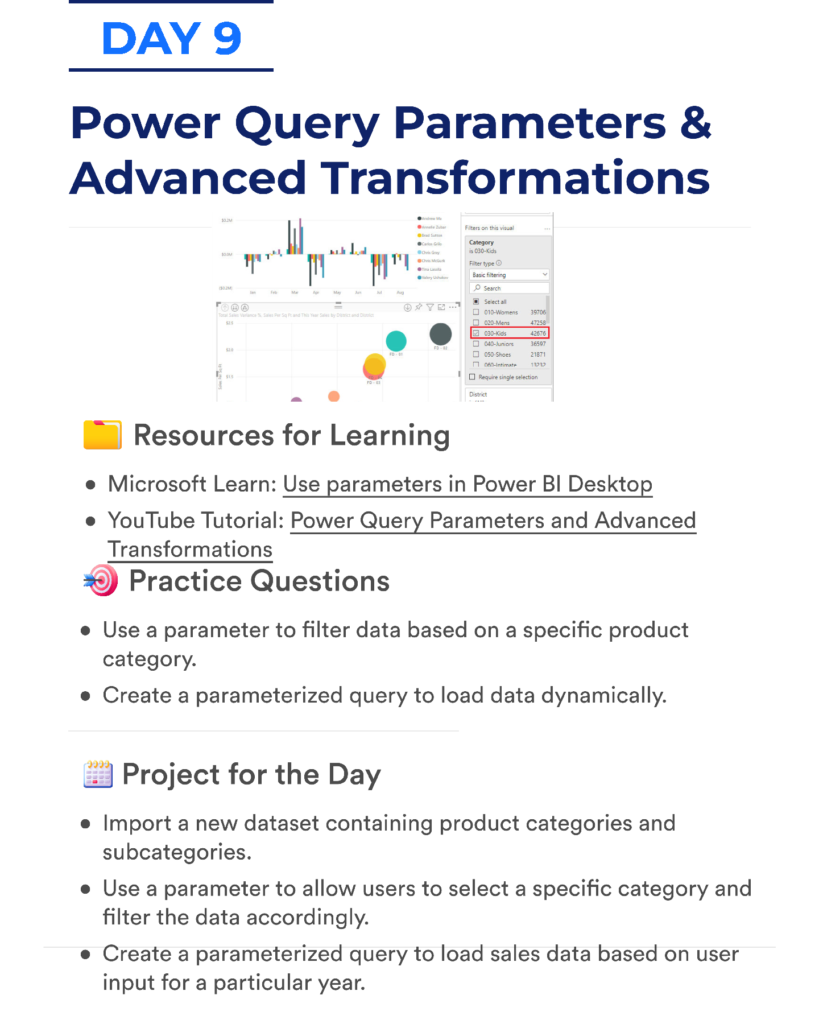
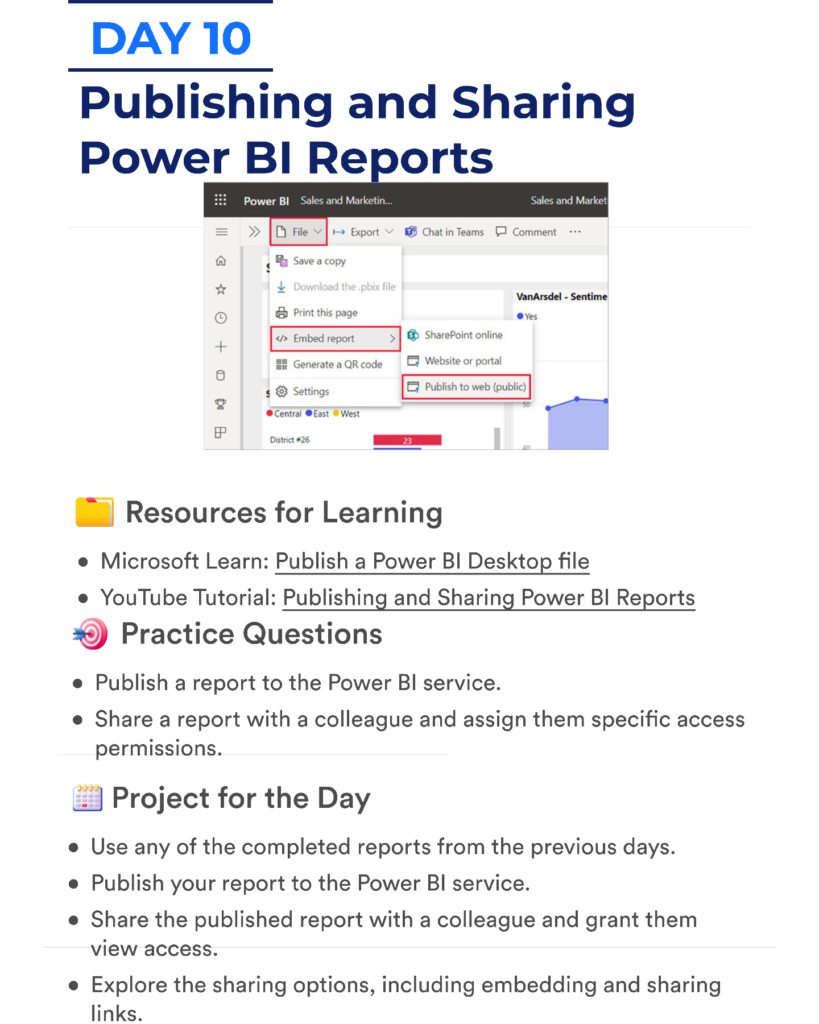
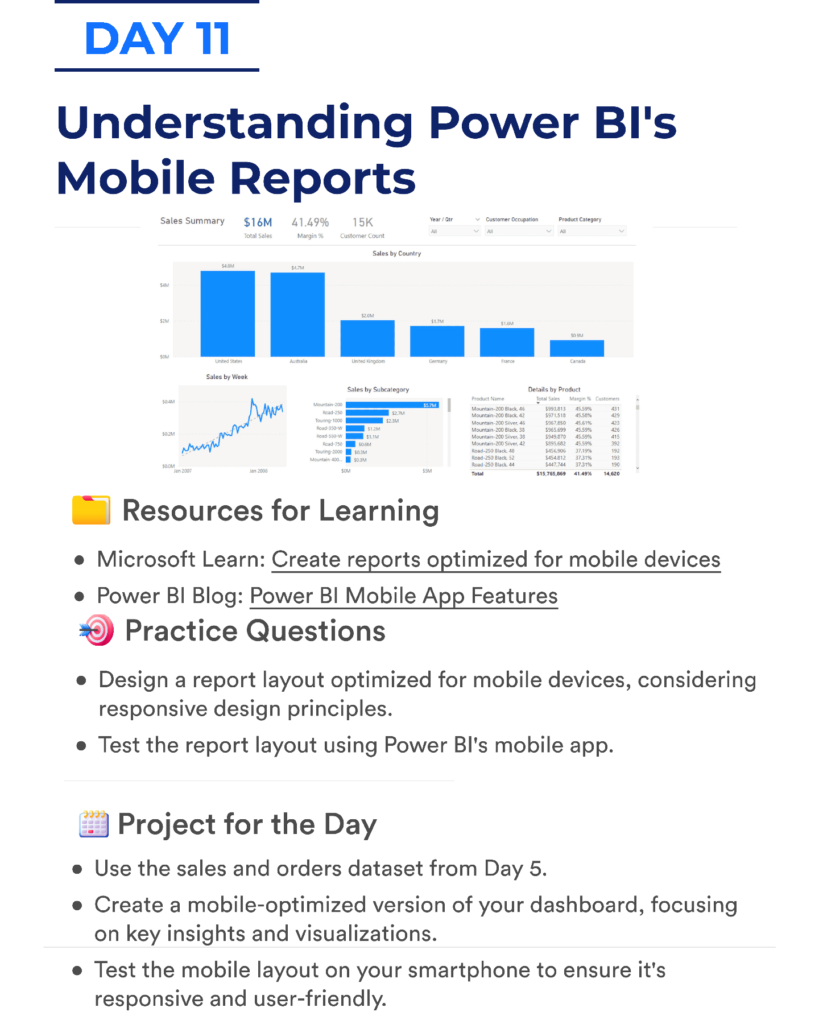
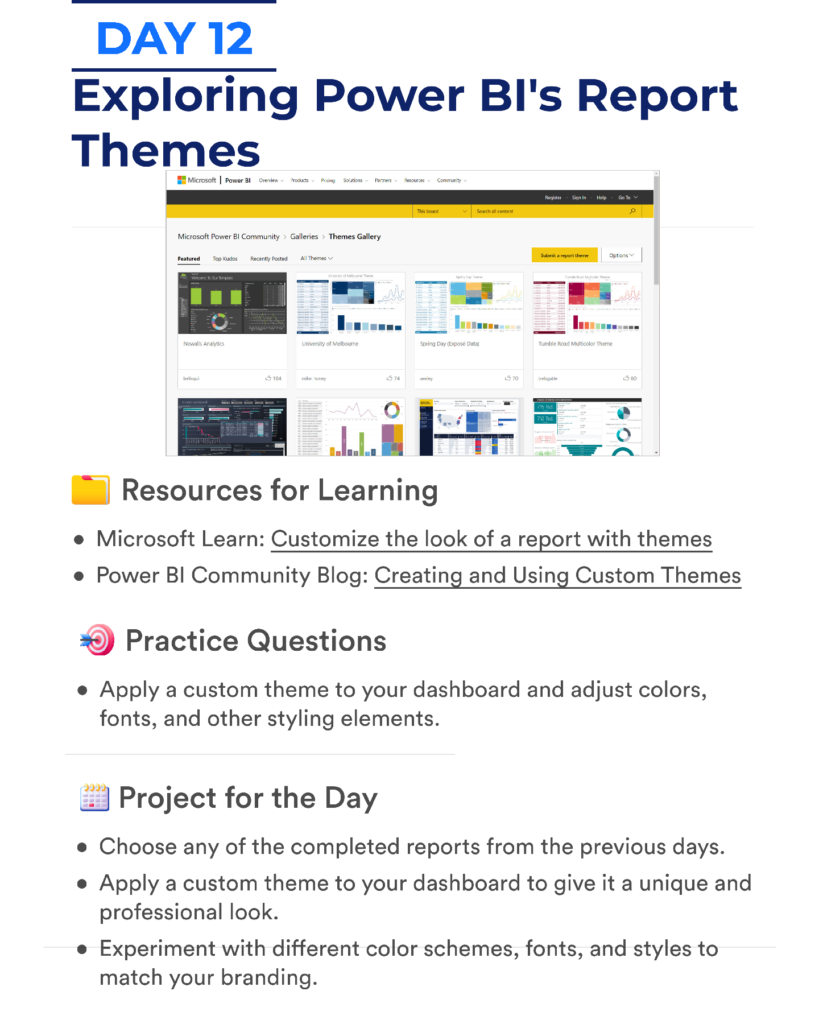
The document introduces the essential components of the Power BI ecosystem including:
- Power BI Desktop for building reports
- Power BI Service for publishing and sharing dashboards
- Power Query for transforming data
- DAX formulas for calculations
- Data modeling techniques
- Dashboard design and data storytelling
By following the roadmap step by step, learners can gradually move from beginner-level concepts to advanced Power BI features and real-world analytics skills.
The document acts as a study guide, reference resource, and learning checklist for anyone serious about mastering Power BI.
3. The Content
The roadmap organizes the learning journey into several stages that cover the most important Power BI skills.
Power BI Fundamentals
The first stage focuses on understanding the Power BI ecosystem, including the interface, core tools, and workflow used to build reports.
Learners begin by exploring:
- Power BI Desktop interface
- Importing datasets
- Understanding data structures
- Creating basic charts and reports
This stage builds the foundation needed for all future Power BI work.
Data Preparation with Power Query
One of the most important skills in Power BI is preparing and transforming data. The roadmap introduces Power Query, which allows users to clean and shape raw data before analysis.
You will learn how to:
- Import data from multiple sources
- Clean and transform datasets
- Remove errors and duplicates
- Merge and append tables
These techniques are essential for preparing datasets for analysis.
Data Modeling
Once the data is prepared, the next step is building an efficient data model.
The roadmap explains how to:
- Create relationships between tables
- Design star schema models
- Create calculated columns and measures
- Optimize data models for performance
Understanding data modeling is crucial for building scalable and efficient Power BI reports.
DAX Calculations
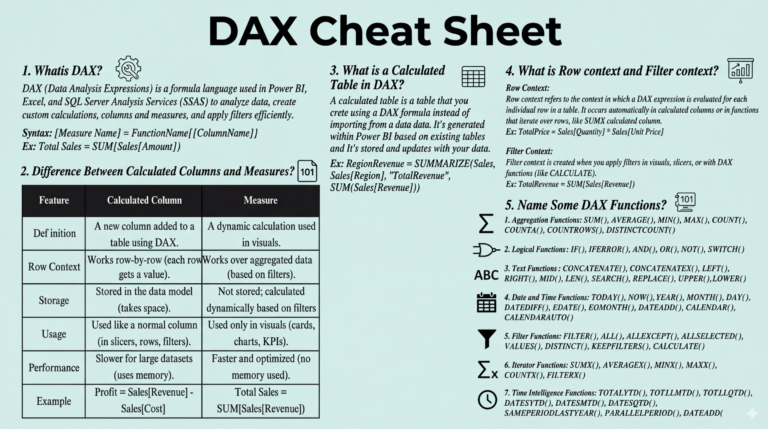
The roadmap also introduces DAX (Data Analysis Expressions), the formula language used in Power BI.
You will learn how to use functions such as:
- SUM
- COUNT
- CALCULATE
- FILTER
- RANKX
- Time intelligence functions
DAX enables advanced calculations that allow analysts to generate deeper insights from data.
Data Visualization and Dashboards
Another important section focuses on building interactive dashboards and reports.
The document explains how to create visuals such as:
- Bar and column charts
- Line charts
- Pie charts
- KPI cards
- Maps and tables
You will also learn best practices for designing dashboards that communicate insights clearly.
4. Why This Document
There are many Power BI tutorials online, but this roadmap provides several unique advantages.
First, it offers a structured 30-day learning path, which helps learners stay organized and focused.
Second, it covers the most important Power BI concepts required for real-world work in data analytics and business intelligence.
Third, it helps beginners avoid confusion by presenting a step-by-step roadmap instead of scattered lessons.
Finally, this document can be used as a self-study guide for anyone preparing for a career in data analytics, business intelligence, or Power BI development.
5. Conclusion
Learning Power BI can open the door to many career opportunities in data analytics, business intelligence, and data visualization.
However, the key to mastering Power BI is following a clear learning path and consistently practicing new skills.
The Master Power BI in 30 Days – Practical Learning Roadmap PDF provides exactly that: a structured plan that guides learners from beginner concepts to advanced analytics skills.
Whether you are a student, analyst, developer, or business professional, this roadmap can help you build strong Power BI skills and accelerate your learning journey.
6. Download From Below Link
You can download the Master Power BI in 30 Days – Practical Learning Roadmap PDF from the link below and start your Power BI learning journey today.
Download the PDF from this link
Related Free Data Science & Power BI Resources
- Learn Power BI Magic IN 30 Days PDF: Your Accelerated Path to Data Mastery
- DAX Cheat Sheet PDF: Your Essential Guide to Power BI Mastery
- Ultimate DAX Formula Guide PDF: Master the Language of Power BI
- Applied Microsoft Power BI CheatSheet PDF
- Spatial Statistics For Data Science PDF
- Power BI Interview Q&A PDF: Your Ultimate Guide to Cracking the Data Analyst Interview