
1. Introduction
Microsoft Power BI has become one of the most powerful tools for data analysis, business intelligence, and interactive reporting. Organizations across the world rely on Power BI to transform raw data into meaningful insights that help improve decision-making. However, learning all the features of Power BI can be overwhelming, especially for beginners who are just starting their journey in data analytics.
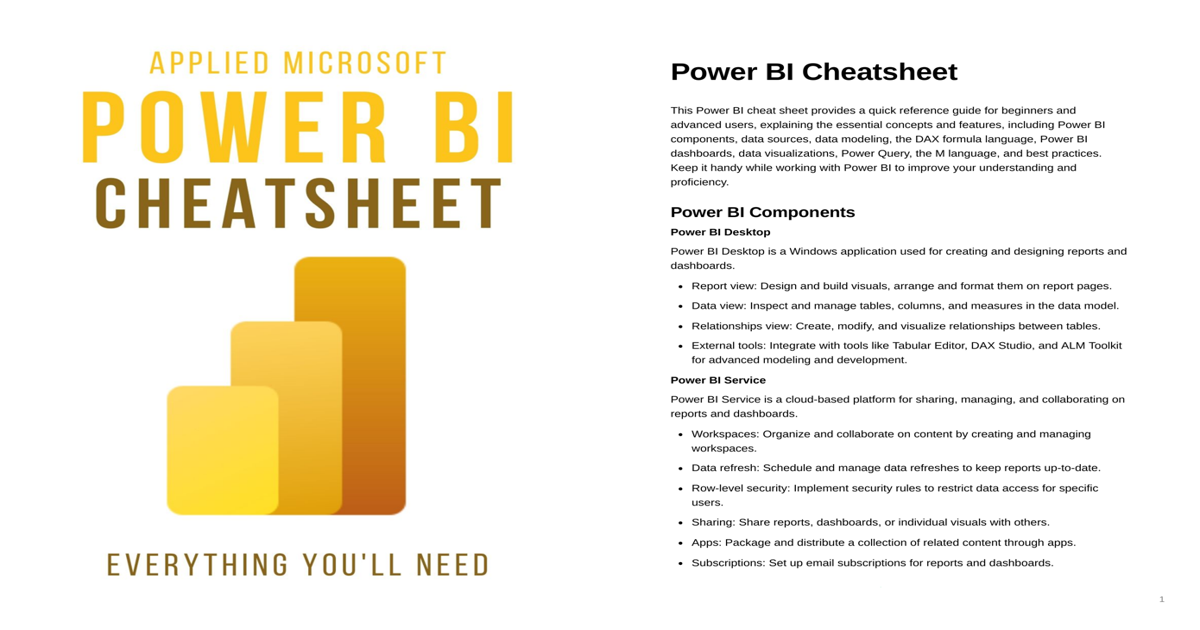
To simplify this learning process, we are providing a comprehensive Applied Microsoft Power BI CheatSheet PDF that acts as a quick reference guide for both beginners and advanced users. This document summarizes the essential concepts, tools, and techniques used in Power BI in a clear and practical way.
Whether you are a data analyst, business intelligence professional, student, or developer, this cheat sheet will help you quickly remember important commands, concepts, and best practices while working on your Power BI projects.
Instead of searching through long tutorials every time you forget a concept, you can simply download this Power BI CheatSheet PDF and keep it as a handy reference whenever you need it.
2. Overview about the Document
The Applied Microsoft Power BI CheatSheet PDF is designed as a structured reference guide that covers the most important components of the Power BI ecosystem. The document explains the major tools and features used when building reports, dashboards, and data models in Power BI.
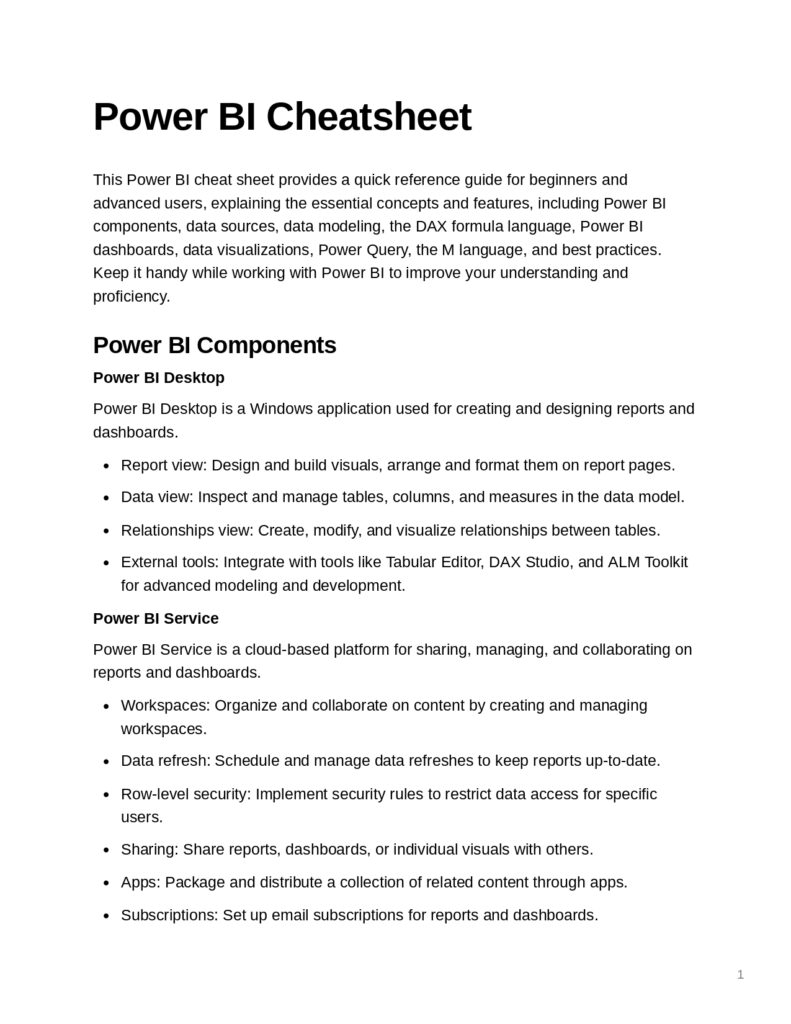
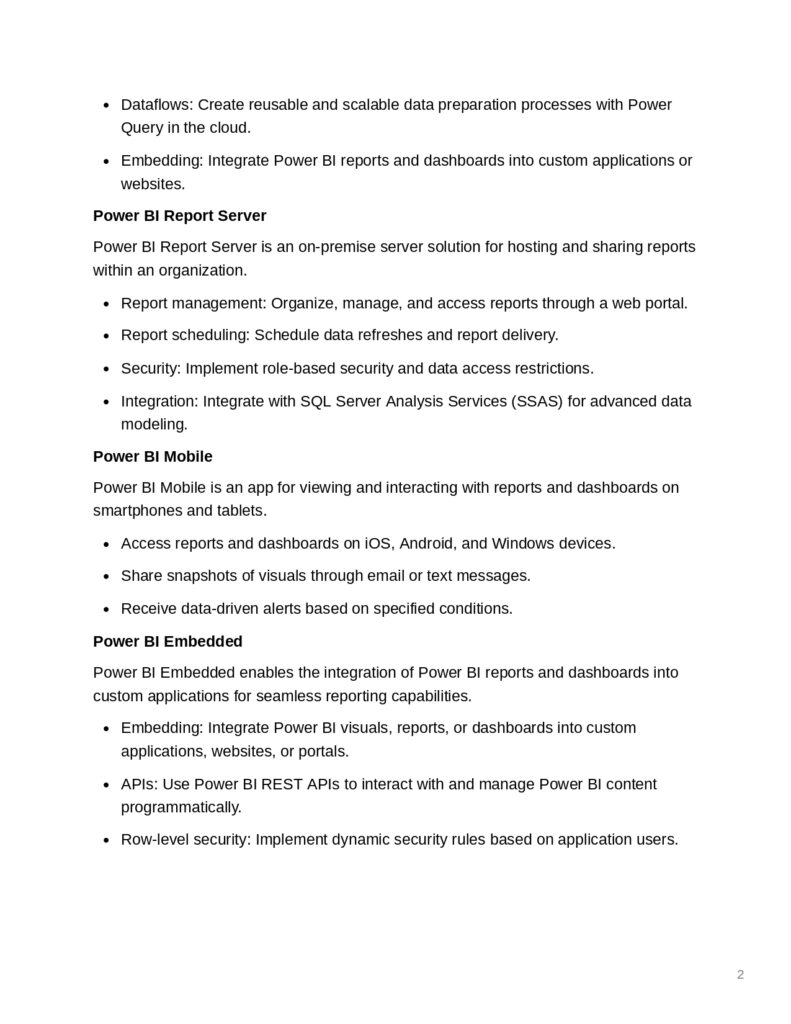
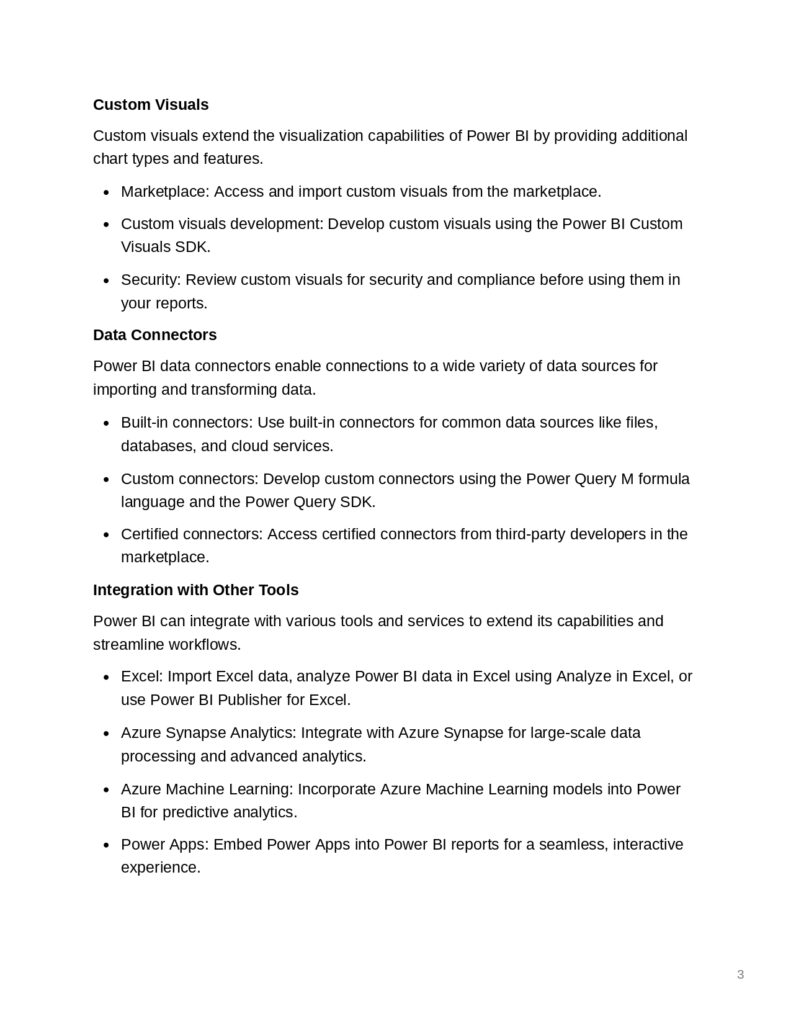
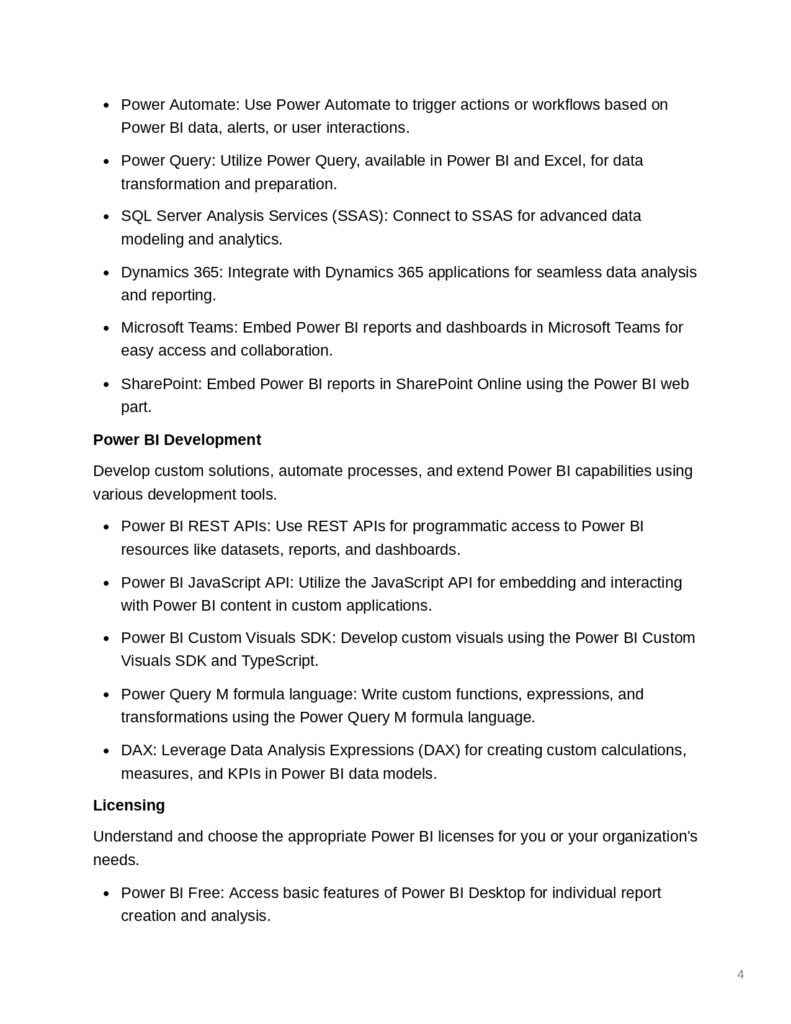
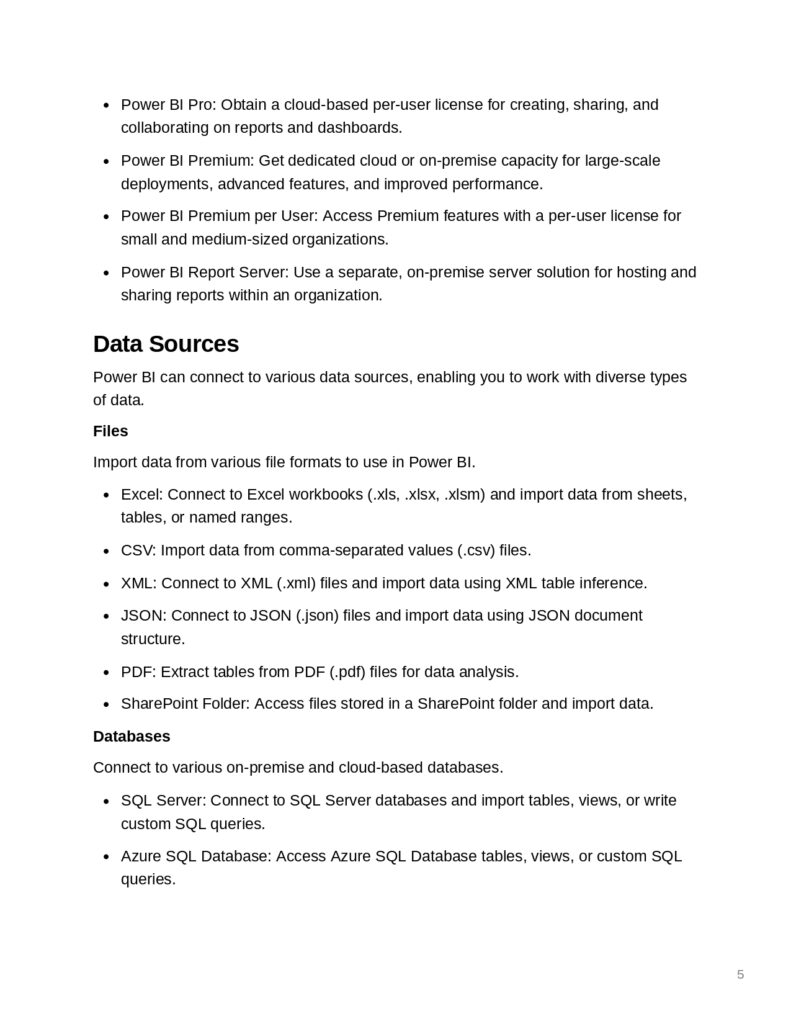
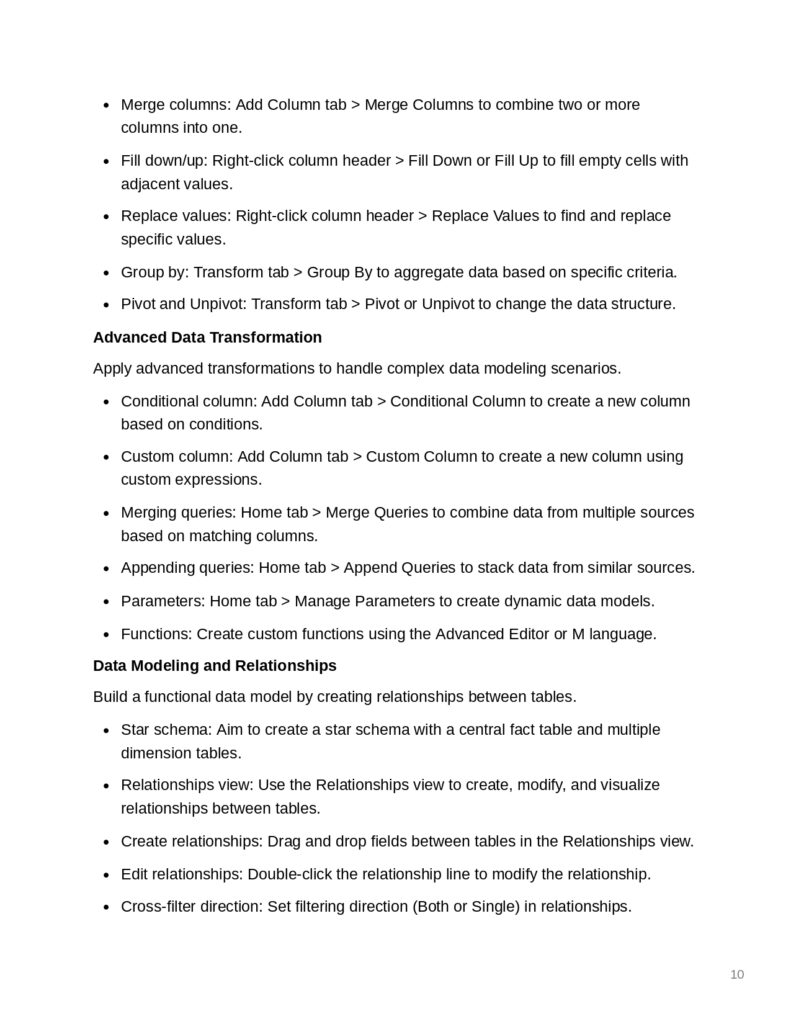
This cheat sheet explains key elements such as:
- Power BI Desktop for creating reports and visualizations
- Power BI Service for sharing and collaborating on dashboards
- Power BI Report Server for on-premise deployments
- Power BI Mobile for accessing dashboards on smartphones and tablets
- Power BI Embedded for integrating reports into applications
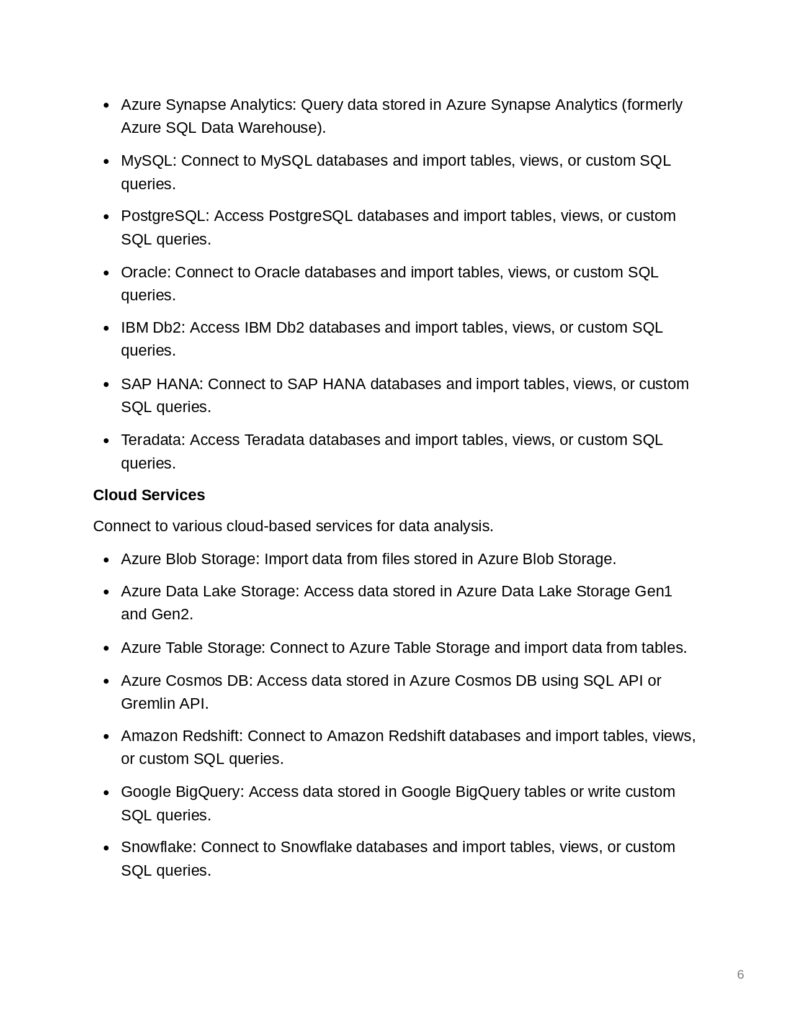
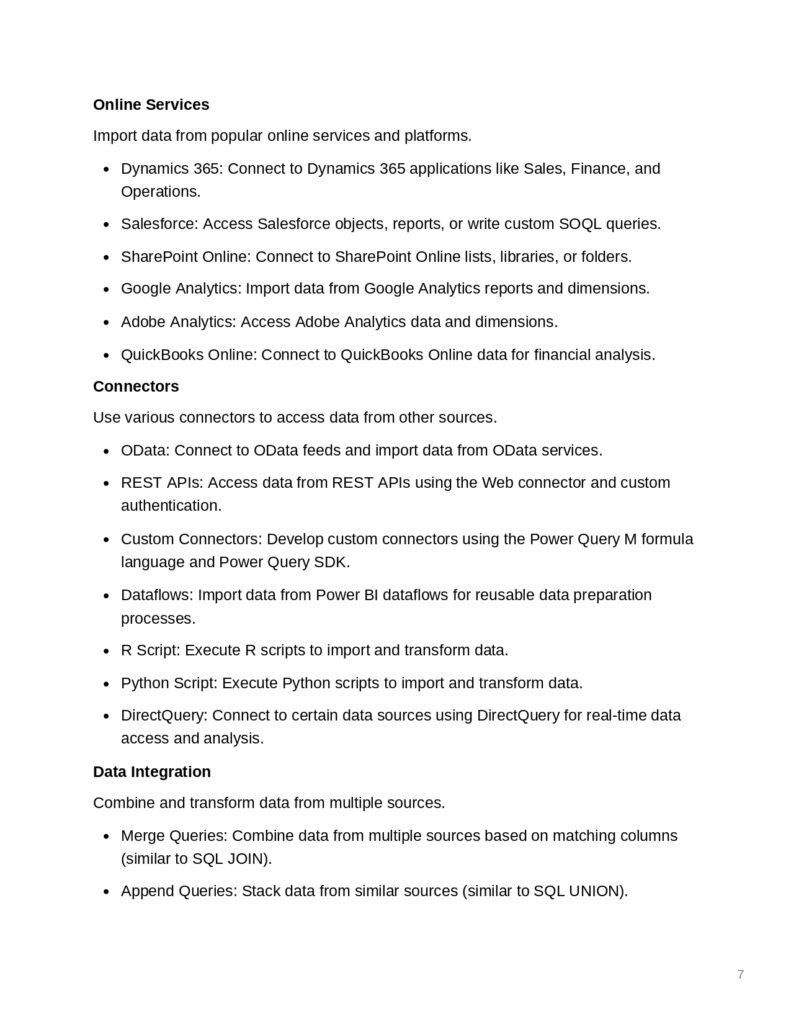
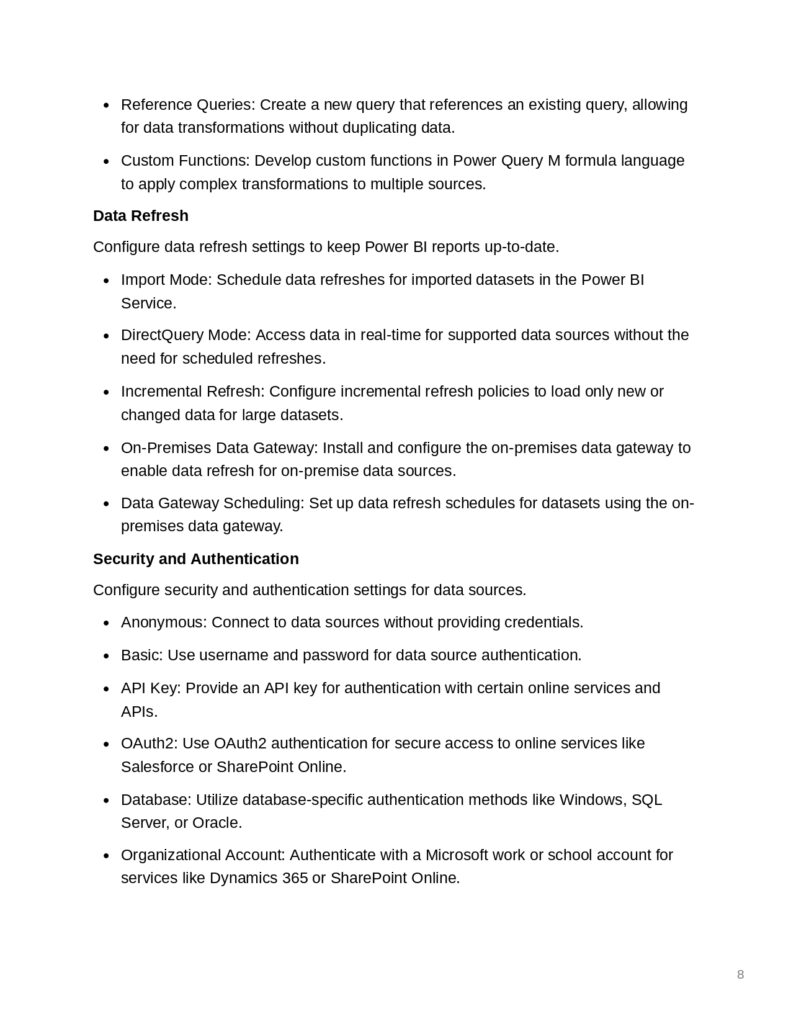
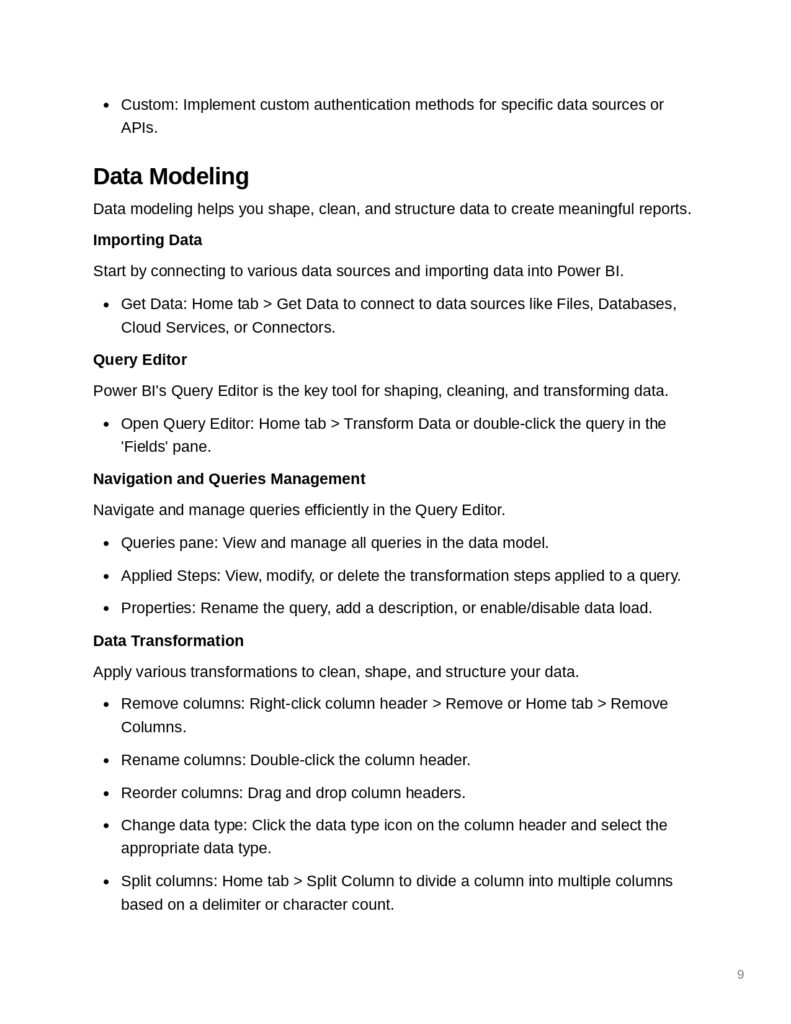
The document also highlights how Power BI connects to multiple data sources including databases, cloud services, and files. Additionally, it explains how data can be transformed and modeled using tools like Power Query, DAX formulas, and the M language.
Another important part of the document focuses on data visualization and dashboard design, helping users present their data clearly and effectively.
Overall, the cheat sheet acts as a compact yet powerful learning resource that helps users understand how the Power BI platform works from data import to final visualization.
3. The Content
The Applied Microsoft Power BI CheatSheet covers a wide range of topics that are essential for building effective business intelligence solutions.
Some of the most important topics included in the document are:
Power BI Components
The document introduces the main components of Power BI including Power BI Desktop, Power BI Service, Power BI Mobile, and Power BI Embedded. It explains how each component plays a role in the data analytics workflow.
Data Sources and Connectors
Power BI supports connections to many different data sources such as:
- Excel files
- CSV and JSON files
- SQL Server databases
- Azure cloud services
- Google BigQuery
- REST APIs
- SharePoint and Salesforce
Understanding how to connect and import data from these sources is a key skill for any Power BI user.
Data Modeling
Data modeling is an essential step when building reports. The document explains how to structure data models using:
- Fact and dimension tables
- Relationships between tables
- Star schema modeling
- Calculated columns and measures
DAX (Data Analysis Expressions)
The cheat sheet also provides a quick reference for DAX formulas, which are used to perform calculations in Power BI. It includes common functions like:
- SUM
- COUNT
- AVERAGE
- CALCULATE
- FILTER
- RANKX
- SAMEPERIODLASTYEAR
These functions are widely used for advanced analytics and time intelligence calculations.
Power Query and Data Transformation
The guide explains how Power Query can be used to clean and transform data before analysis. It also introduces the M programming language used inside Power Query for advanced transformations.
Data Visualization and Dashboards
Another important section focuses on creating effective visuals such as:
- Bar charts
- Line charts
- Pie charts
- Tables and matrices
- KPI indicators
- Geographic maps
The document also explains best practices for creating interactive dashboards and data storytelling.
4. Why This Document
There are many tutorials available online about Power BI, but this Power BI CheatSheet PDF offers several advantages.
First, it provides quick access to important concepts without requiring hours of reading. You can simply open the document and quickly find the information you need while working on a report.
Second, the cheat sheet is helpful for students and professionals preparing for Power BI interviews, certifications, or training programs.
Third, it summarizes the most important tools such as Power Query, DAX, dashboards, and data modeling, which are essential for anyone working in Business Intelligence or Data Analytics.
Finally, it can serve as a daily reference guide for developers and analysts who want to improve their productivity while using Power BI.
5. Conclusion
Power BI has become one of the most important platforms for data analysis and business intelligence. Learning how to use its features effectively can significantly improve your ability to analyze data, build dashboards, and communicate insights.
The Applied Microsoft Power BI CheatSheet PDF is a valuable resource that simplifies many complex concepts into a structured and easy-to-understand format. Whether you are a beginner starting with Power BI or an experienced professional looking for a quick reference, this document can save you time and improve your workflow.
By keeping this cheat sheet available on your computer or mobile device, you will always have a quick guide to Power BI concepts, functions, and best practices.
6. Download From Below Link
You can download the Applied Microsoft Power BI CheatSheet PDF directly from the link below and start using it as your quick reference guide while working with Power BI.
👉 Download the PDF from this link